
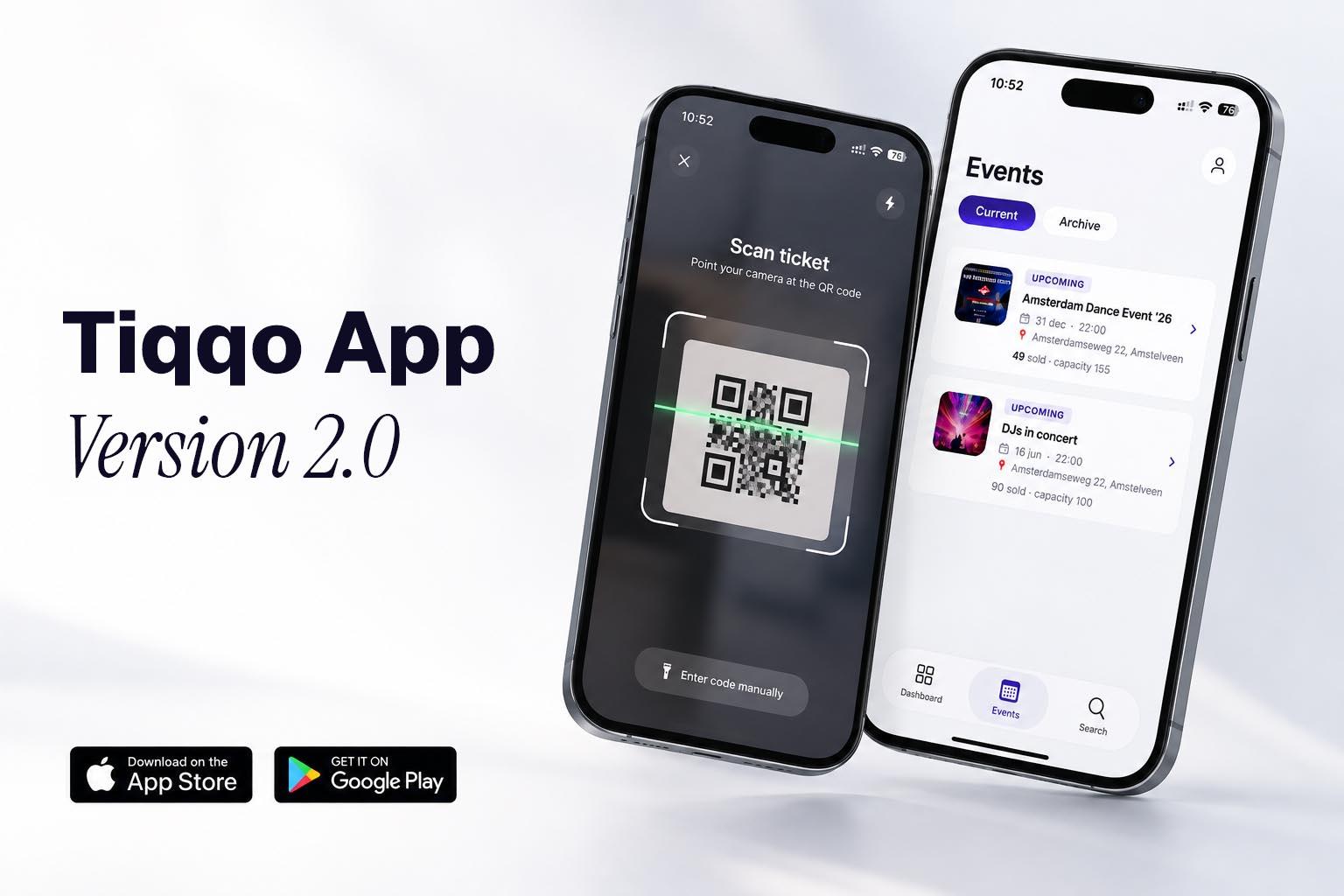
The Tiqqo app has been redesigned. One app for iPhone, iPad and Android, with two sides: you and your team use it to scan and follow your event live, and your attendees use it to open their tickets.
Scanning at the door
Scan tickets with your phone's camera, at one or several entrances at the same time.
- Clear scan results: see straight away whether a ticket is valid, already scanned, for another event or invalid.
- A whole order at once: a group arriving together? Select the tickets from one order and check them in together.
- Undo a scan: scanned the wrong ticket by accident? Undo the scan so the ticket works again.
- Search without a QR code: find a ticket or order by name, email or order number and check the attendee in from there.
Live during your event
The dashboard in the app shows how many tickets have been sold, how many people are inside and how fast the door is moving. Afterwards, the scan report per event shows how many people came in, when the peak hour was and how each ticket type arrived.
The right access for your team
Nobody has to share login details anymore.
- Own accounts with roles: admins and users see the dashboard and their events, scanners only see what they need to scan. Sales figures stay hidden from scanners.
- Sign in with a QR code: create scanner accounts for your door team. They sign in by scanning their personal QR code, no password needed.
- Access per event: give users access to specific events only, and scanners to specific ticket types only.
- Revoke access: remove a team member or send a new QR code, so an old or shared code stops working.
For your attendees: all their tickets in the app
Attendees choose My tickets and sign in with their email address and a code. No account or password needed. At the door they show their ticket, also when they hold tickets for several people.
In your language
The app is available in English, Dutch and German. Your language choice is linked to your account, so the app is set up right away on a new phone.
Download the app
- iPhone and iPad: Tiqqo on the App Store
- Android: Tiqqo on Google Play
Sign in with your existing Tiqqo account. No account yet? Create one for free.
Want to get your team ready for event day? Start with downloading and signing in to the app, team members and roles and scanning tickets with the app. Share with your attendees how to open their tickets in the app.